Click to Pay
Online Checkouts
made easy.
-

No more manual card entries
-
Card details protected by Visa
-
Accepted by many merchants
Shop online as usual and look for the Click to Pay icon at participating merchants.
At checkout, enter your email address or mobile number if prompted so your linked card can be found.
Choose your enrolled ING Visa card to make the payment.
If needed, confirm it’s you with a quick verification step. Finish checkout and get on with your day.
Click to Pay is a simpler way to check out online using your enrolled card. It helps you get through checkout without manually entering your card details every time at participating online merchants.
When you’re shopping online, look for the Click to Pay icon at checkout. You may be asked for your email address or mobile number, then you can choose your enrolled ING Visa card and complete your purchase.
You may be able to enrol through a participating bank, during checkout at a participating merchant, or through the card scheme’s consumer portal. Availability can depend on your card and the merchant you’re shopping with.
Click to Pay is designed to help make online checkout more secure. Your card details are stored securely, and you may be asked to verify it’s you when you check out.
You can use Click to Pay at participating online merchants where you see the Click to Pay icon. Availability may vary by merchant.
Enrolled ING Visa cards may be able to use Click to Pay. Check online banking for your card details and eligibility.
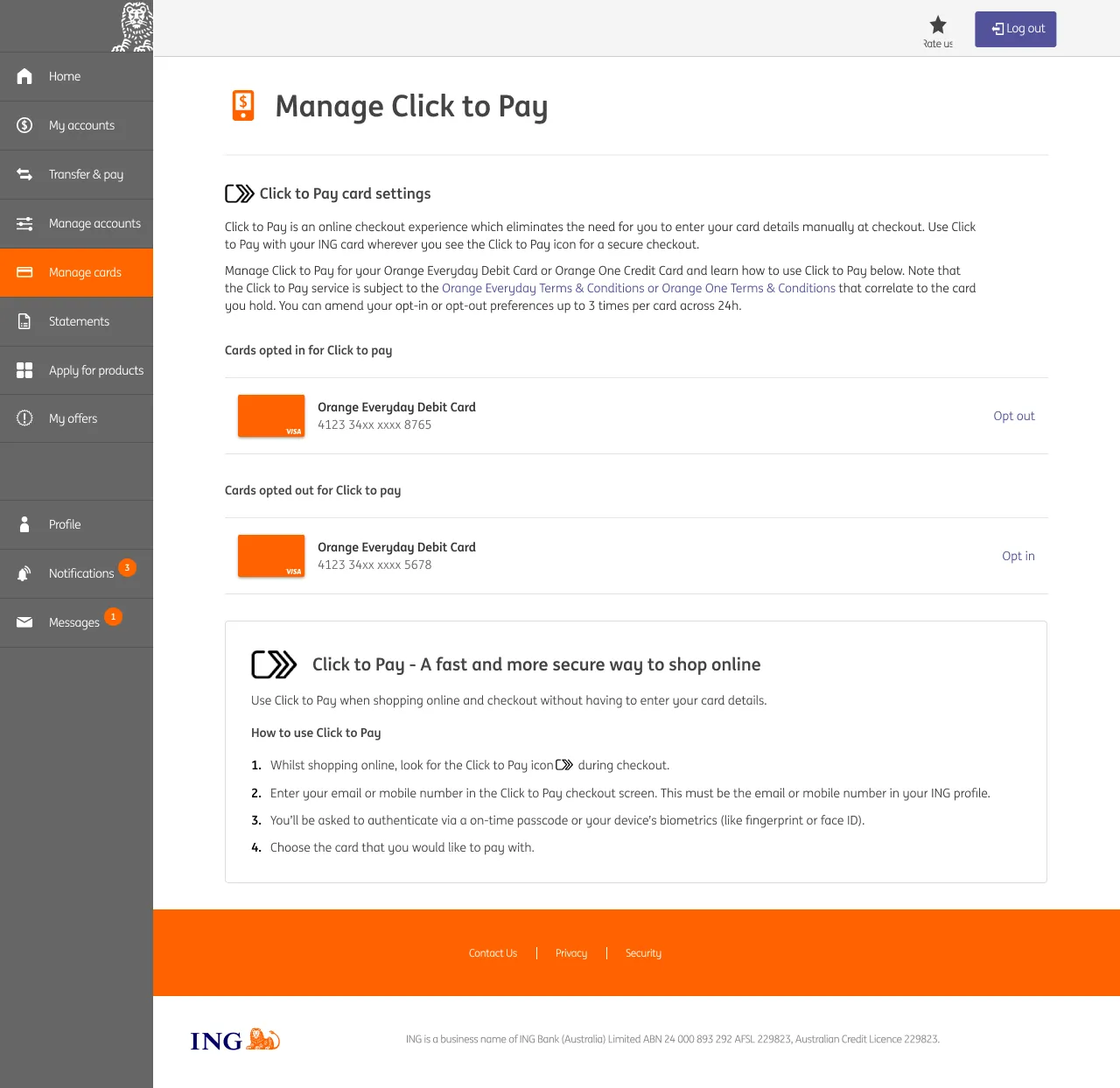
You can manage your opt in or opt out preferences for Click to Pay in online banking by navigating to the ‘Manage Click to Pay’ section under ‘Manage cards’. Once your ING card is opted out, you can opt back in via the same section of online banking.
The EMV® SRC payment icon, consisting of a pentagon design oriented on its side with a stylised depiction of a fast forward symbol on the right, formed by a continuous line, is a trademark owned by and used with permission of EMVCo, LLC. EMV® is a registered trademark in the USA and other countries and an unregistered trademark elsewhere. The EMV trademark is owned by EMVCo, LLC.